

Save
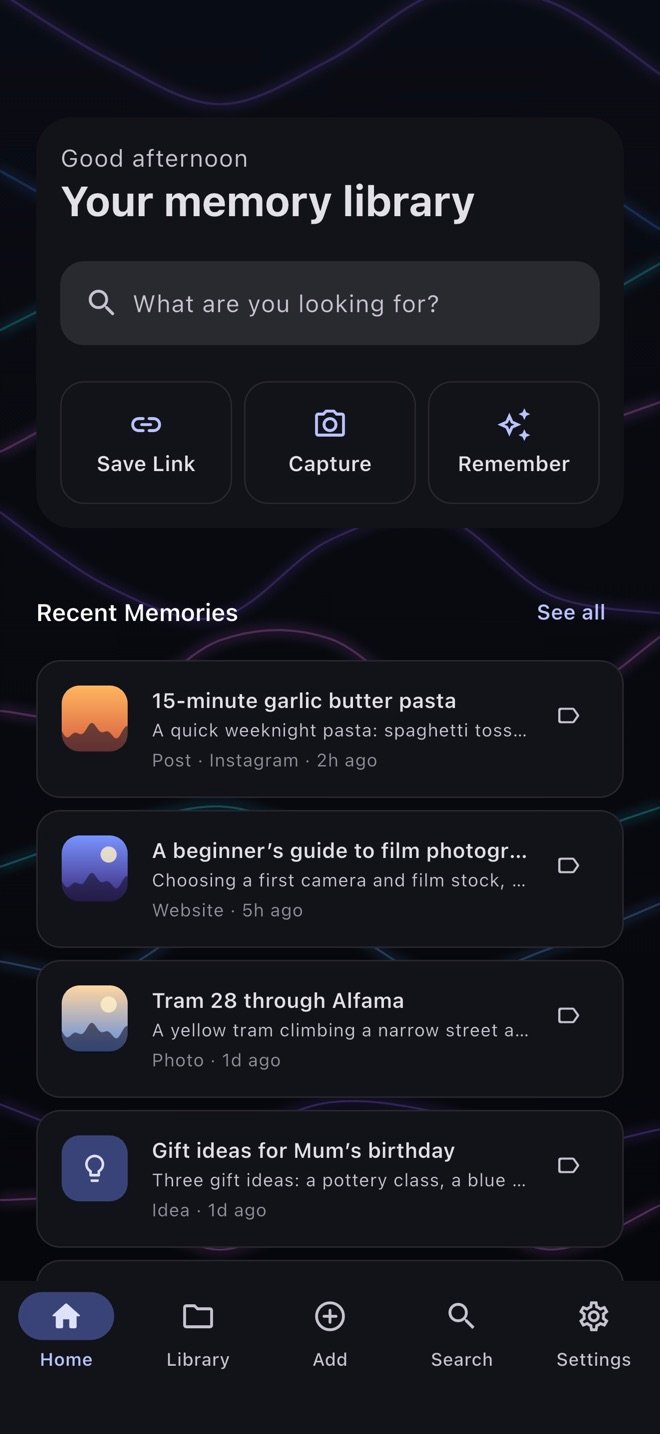
Share a post, video, link, photo or file into RYMVI from almost any app, or add a note yourself. Saving works offline.
Your personal memory library
RYMVI keeps the photos, videos, links, notes and files you want to remember in one private library on your phone — organised, searchable, and ready when you ask.
RYMVI isn’t available to download yet. See where it’s at · How it works
How it works
Share a post, video, link, photo or file into RYMVI from almost any app, or add a note yourself. Saving works offline.
RYMVI files each memory by what it is — a post, a video, a website, a file — and you add your own categories on top. One memory can sit in several.
Search by words or by meaning, or ask a question about what you’ve saved. RYMVI points you back to the memory and its original source.
What you can keep
Feeds move on, tabs close and screenshots pile up. RYMVI gives them one home, with their source and context intact.
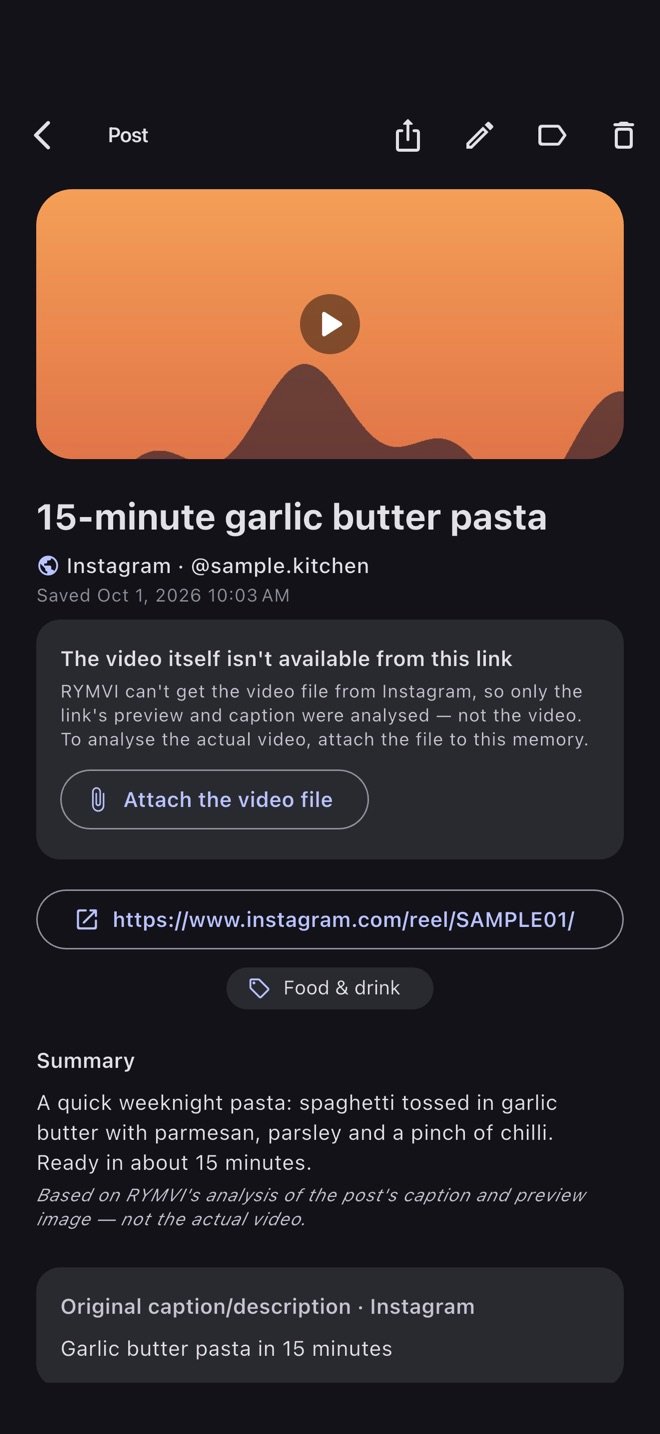
Instagram, TikTok, YouTube, Facebook and X links — photo or video — saved with their caption and preview.
Videos from your camera roll, kept and playable in the app.
Photos and screenshots — up to ten in a single memory.
Articles and pages, with their address and title.
App Store finds you want to come back to.
A location you add on purpose — never tracked in the background.
Notes and thoughts, written straight into RYMVI.
PDFs, Word, Excel, PowerPoint, CSV, TXT and RTF documents.
AI that helps — when you let it
With your permission, RYMVI can summarise a memory, tag it, read text in photos, describe a video, and answer your questions about a memory — drawing on related ones — with Ask About Memory. AI features use credits and never run until you allow them.
Private by design
RYMVI works locally first. Syncing to the cloud is optional — and you can choose end-to-end encryption for it.
Your library is stored on your phone and encrypted there with a key kept on that device.
On plans with RYMVI Cloud storage, you can sync your library between your phones and restore it. It’s off until you turn it on, and it’s being introduced gradually, so it may not be available to you yet.
Choose end-to-end encryption and your cloud library is encrypted with a key RYMVI doesn’t have. Some features need readable processing — we say exactly which.
Availability
RYMVI is being prepared for iPhone and Android. This page will link to the App Store and Google Play once each is live.